Create a new project
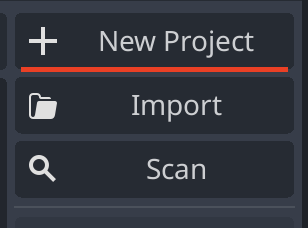
To create a new project, click on the New Project button in the top right corner of the screen. This will open a new window where you can create the project.
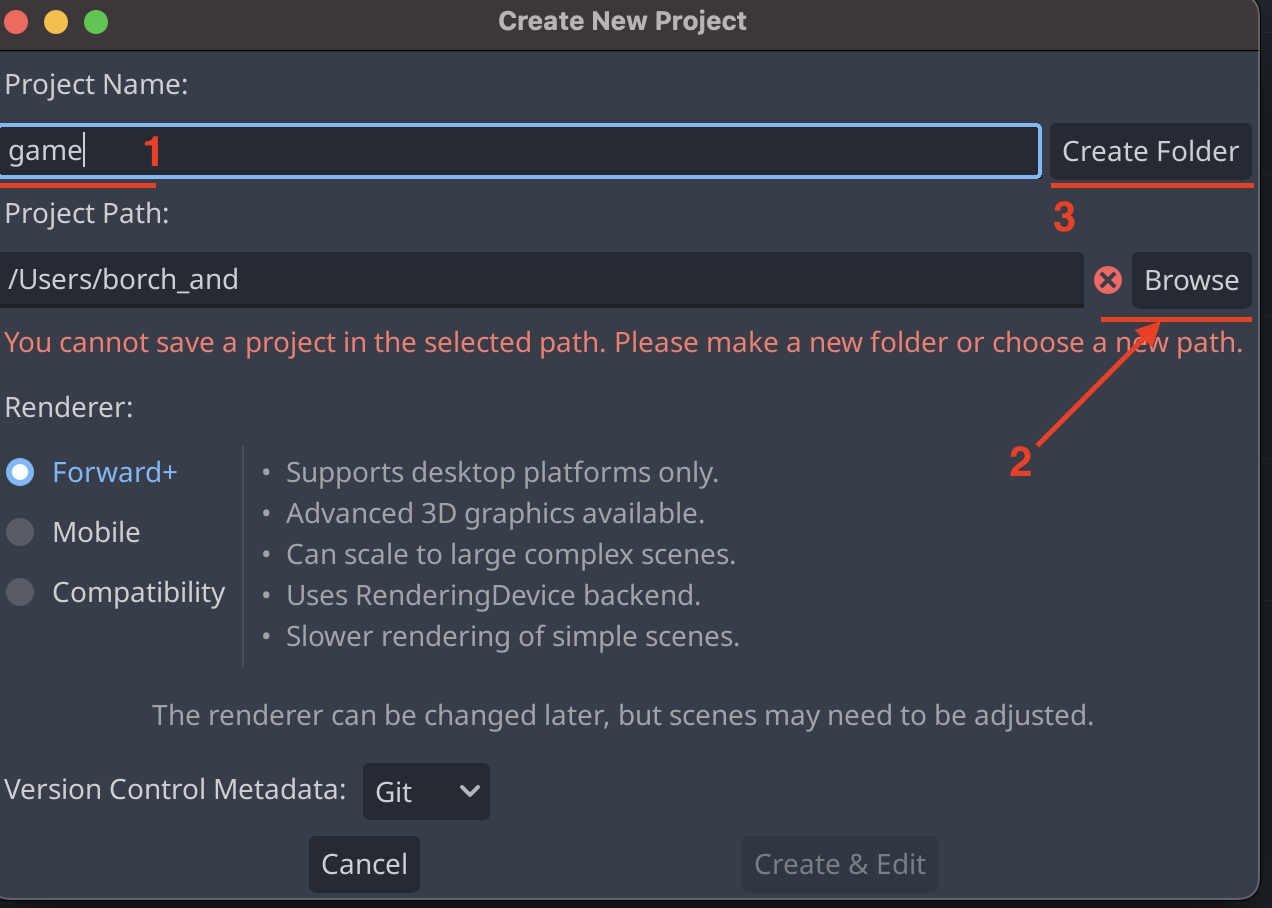
- In the opened window, you can enter the name of the project under
Project Name. - You can select the directory where the project should be created under
Browse. - On the right there is a button
Create Folderwhich will create a folder with the same name as the project name in the selected directory.
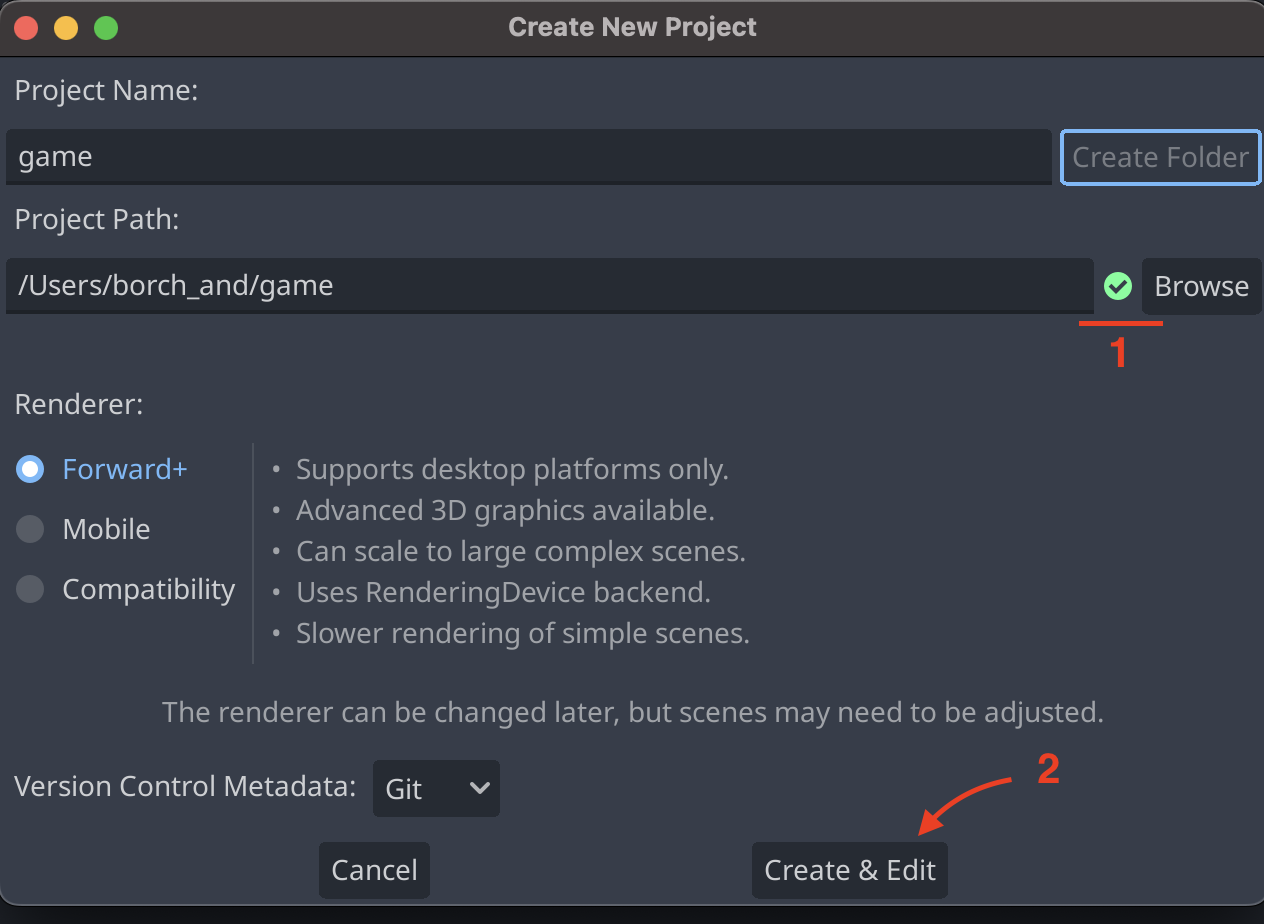
- If previous is done correctly a green checkmark will appear next to the
Browsebutton. - You can now click on the
Create Projectbutton to create the project.
After the project is created, the project will be opened in the editor.
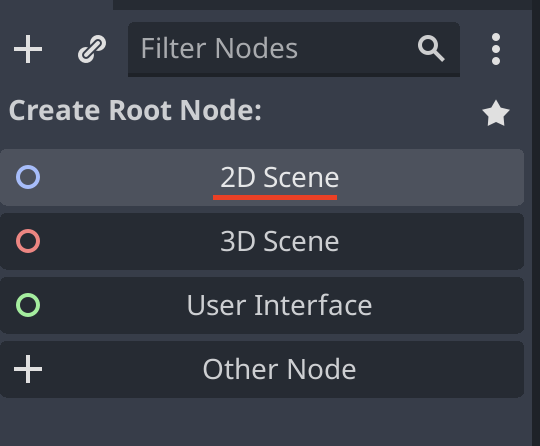
On the left you need to create a root node for the scene. This can be done by clicking on the 2D Scene button in the top left corner of the screen.