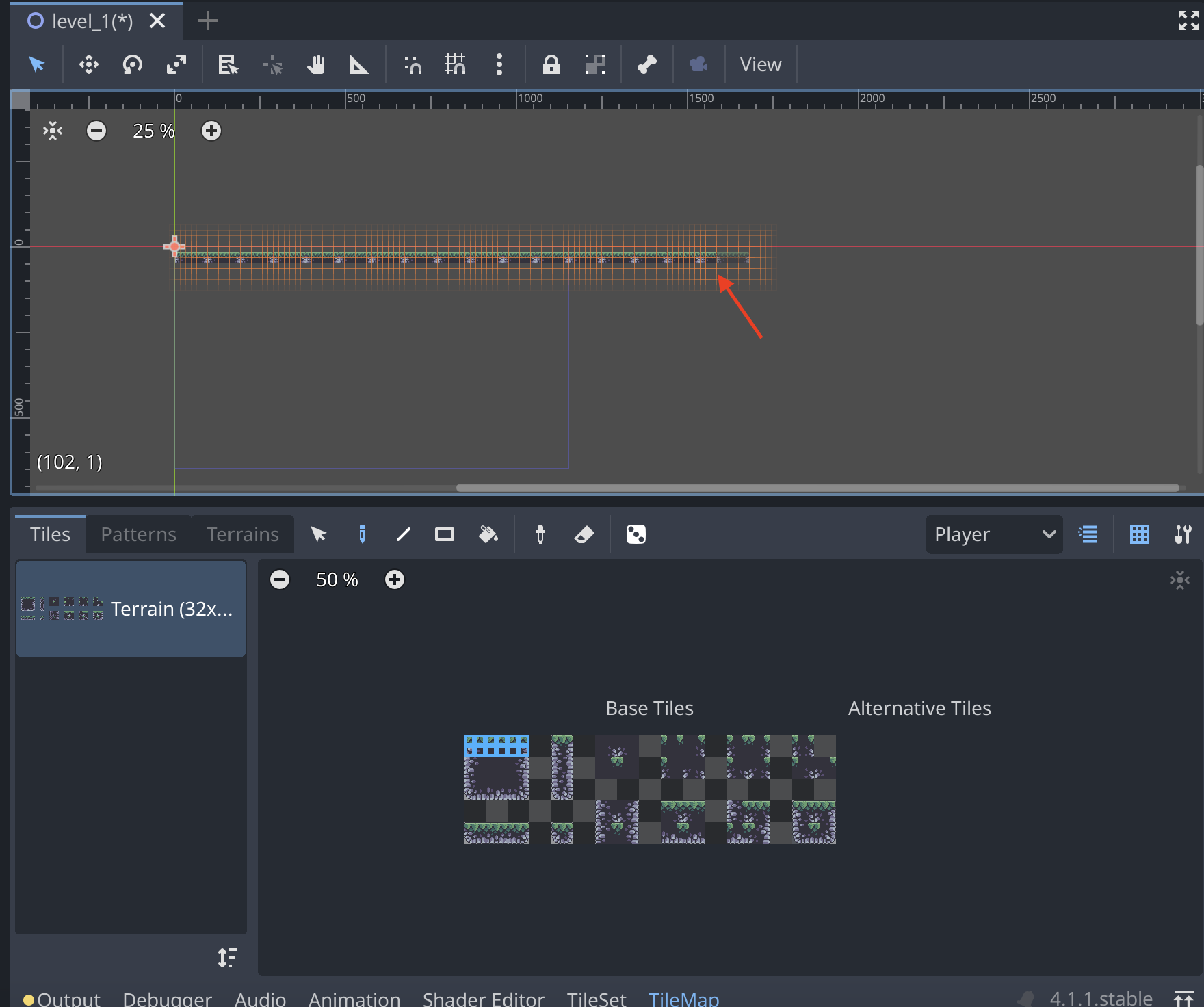
Create a TileMap
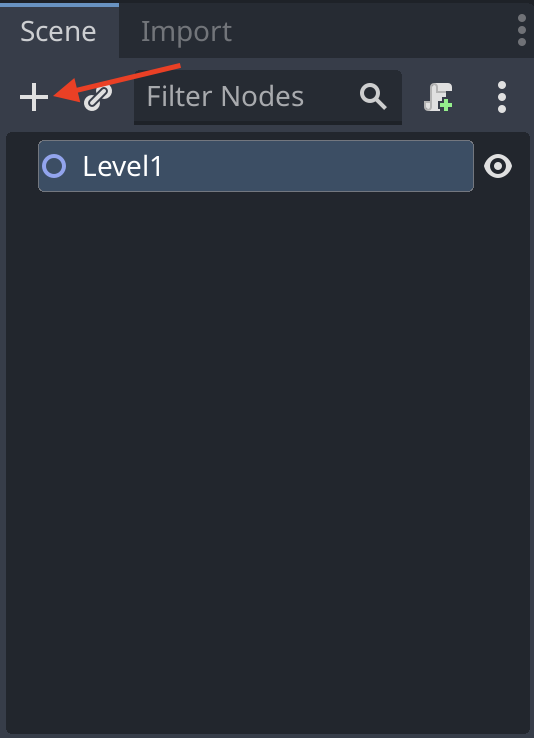
First click the plus icon in the top left corner of the editor. This will open a window where you can select the type of node you want to create.
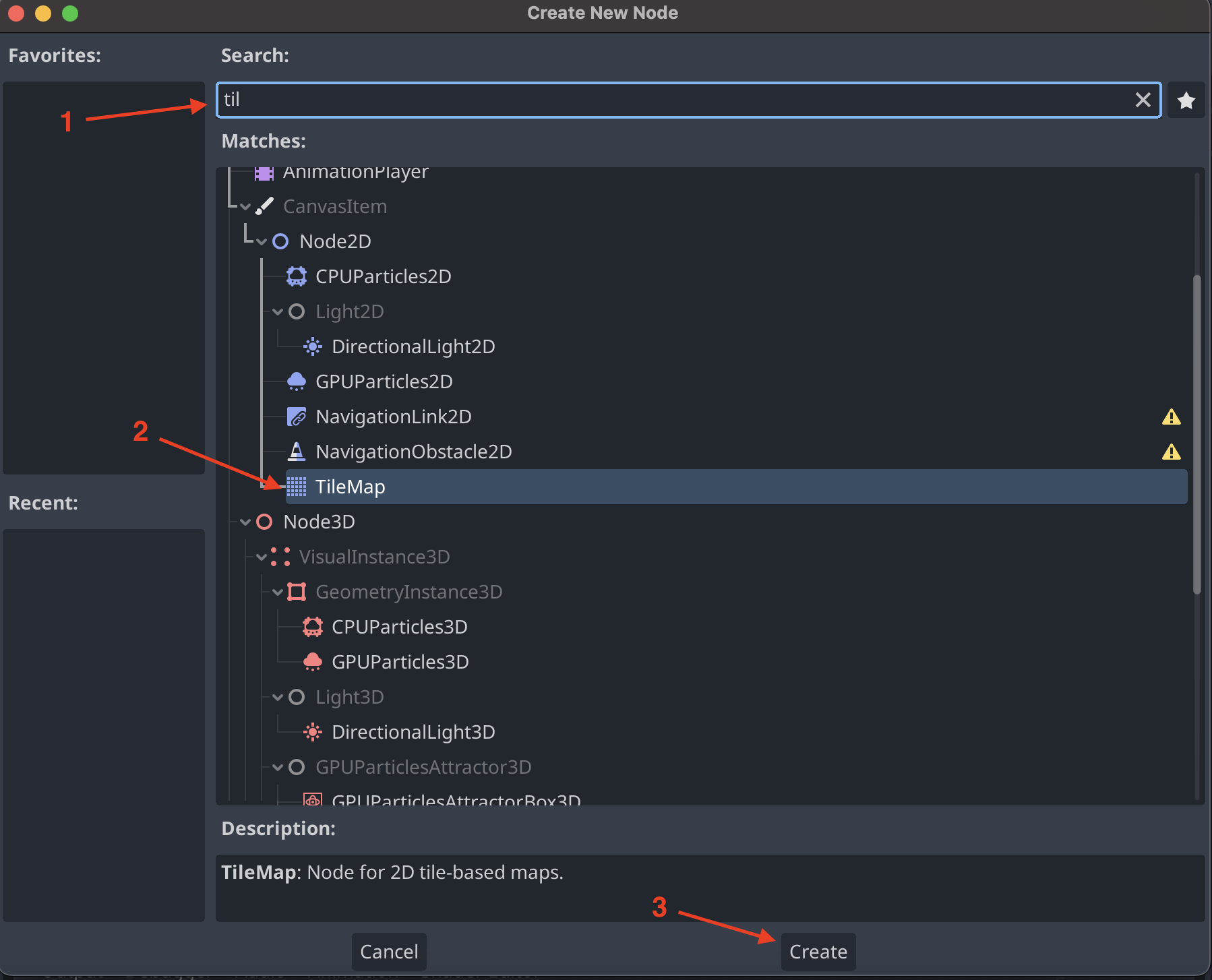
In the search bar type TileMap and select the TileMap node. Then press the Create button.
This will create a TileMap node in the scene. You can now select the TileMap node and change its properties in the inspector.
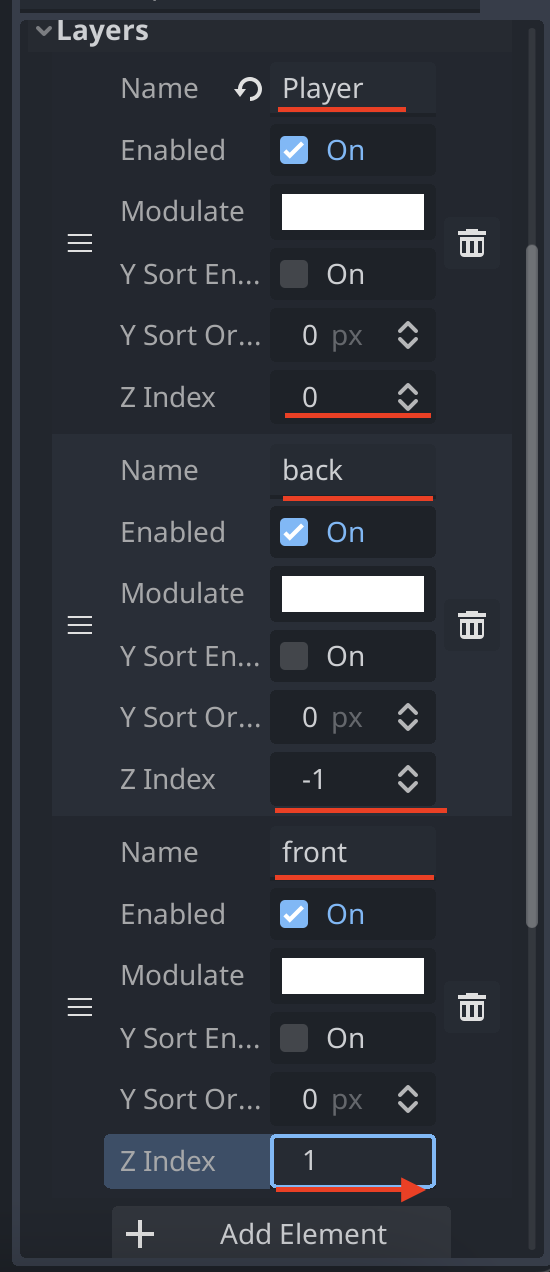
In the inspector find the layers section. Then click the Add Element button to add a new layer.
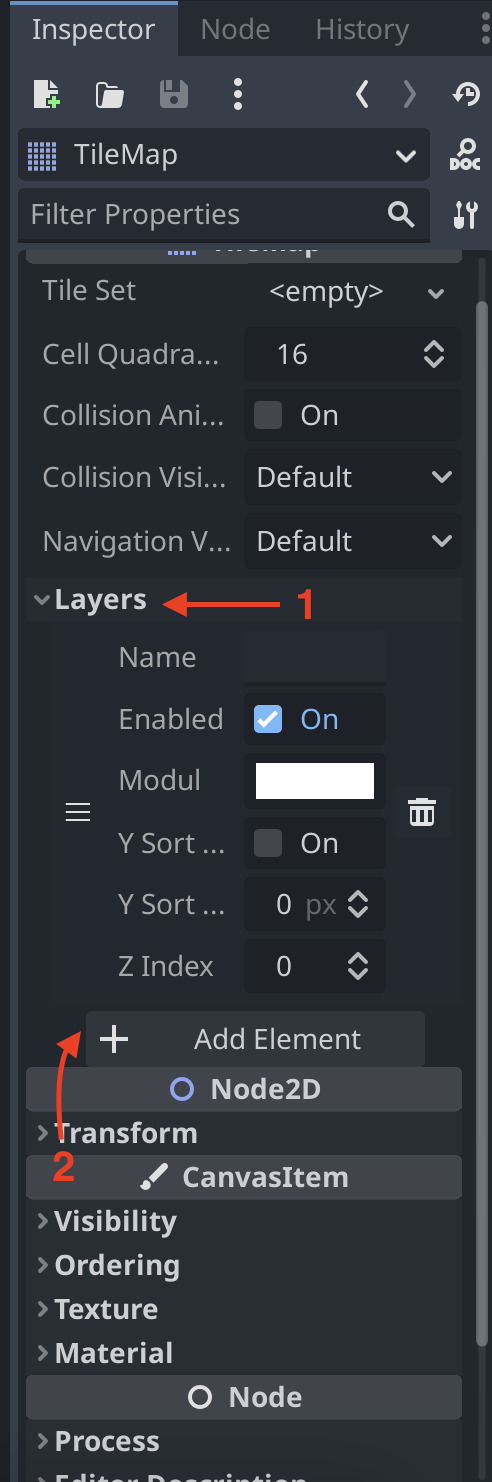
Make sure to add two new layers so there is a total of three layers. The first layer is the player layer, the second layer is the background layer and the third layer is the front layer. Set the Z index of the player layer to 0, the background layer to -1 and the front layer to 1. As showen below.
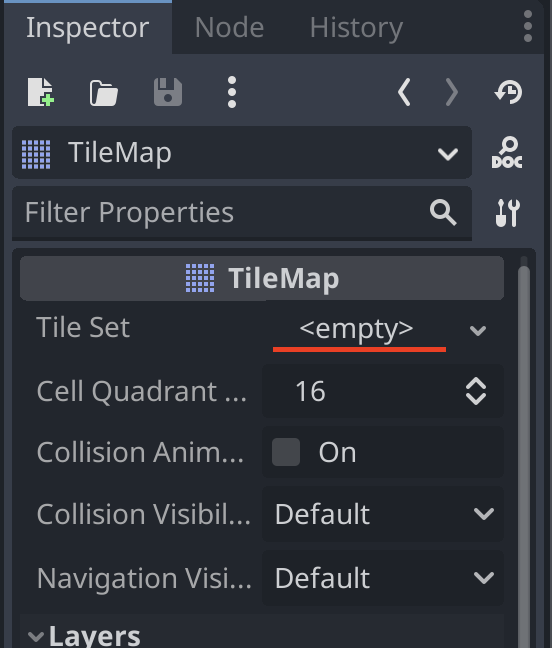
Now we need to add a tileset to the TileMap. To do this click on <empty> in the TileMap section of the inspector.
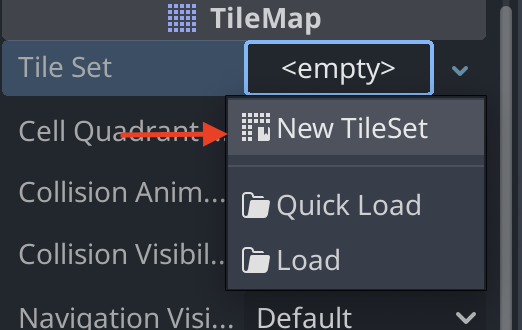
This will open a dropdown where you can select a tileset. Click the New TileSet button to create a new tileset.
New we can enter the TileSet editor. Here we can add new tiles to the tileset.
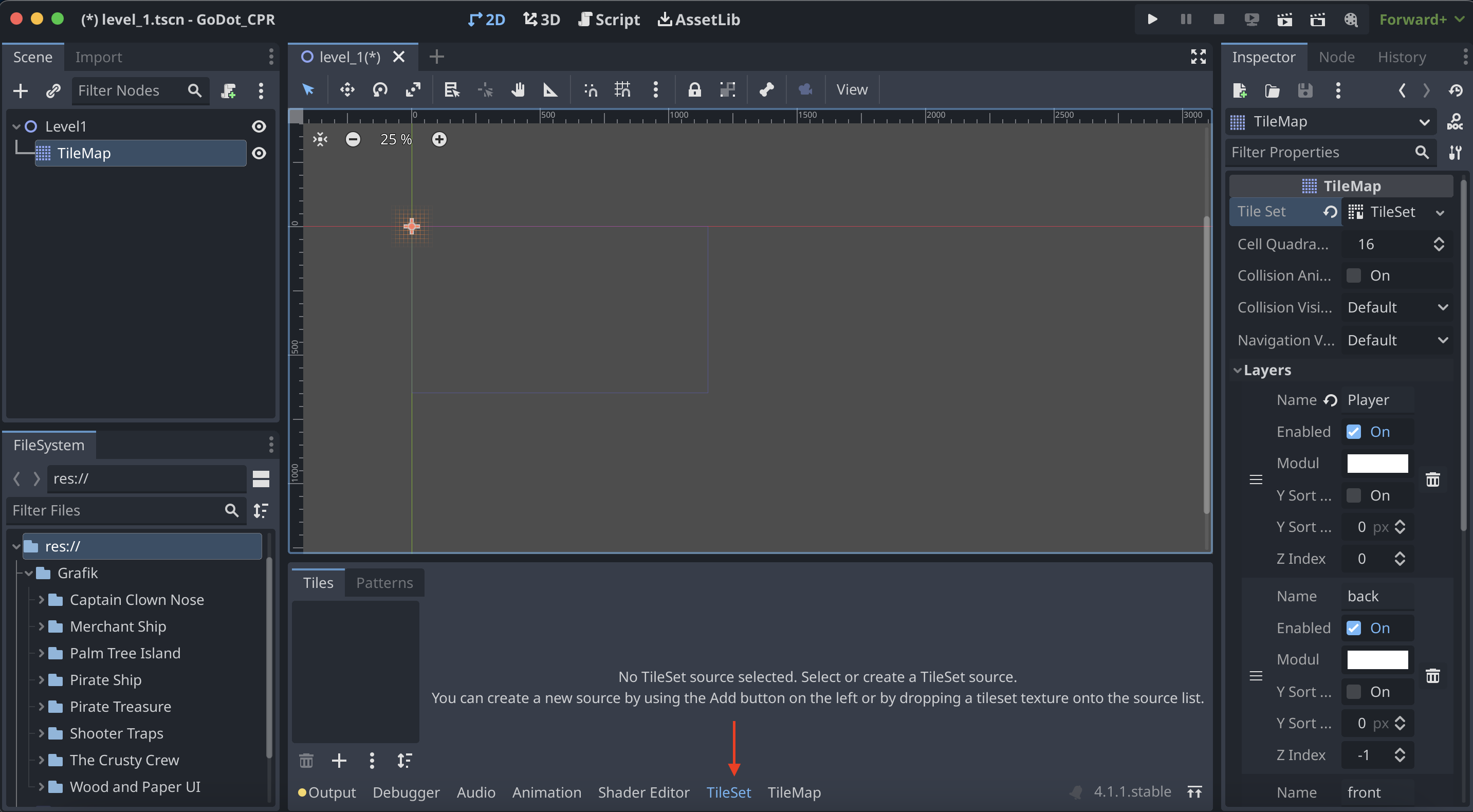
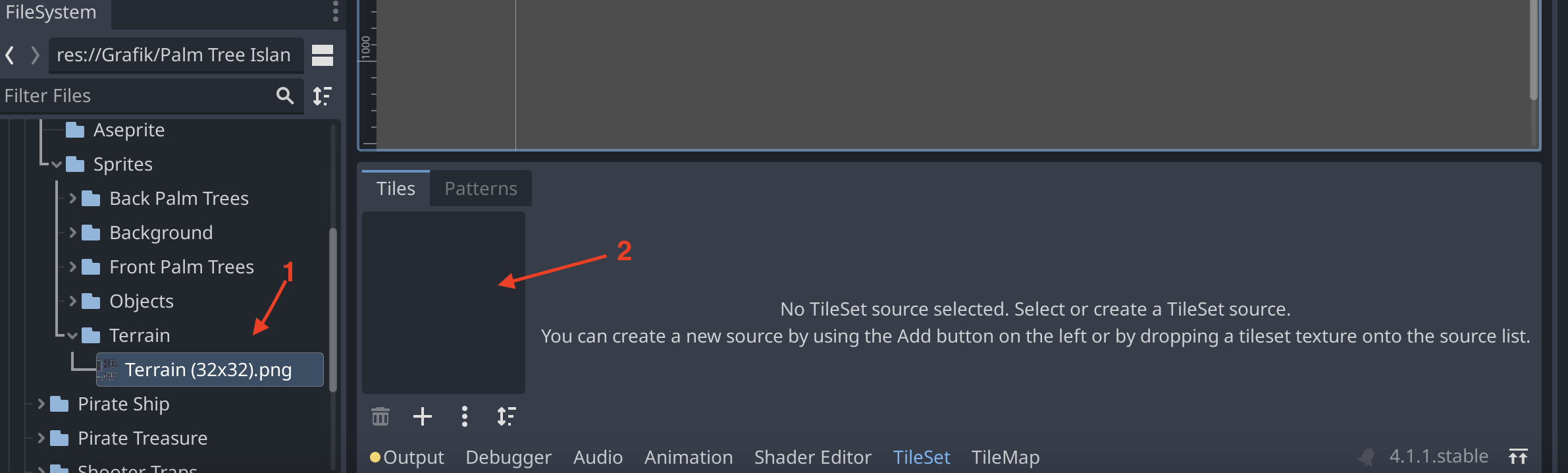
In the FileSystem find a TileSet and drag it into the TileSet editor.
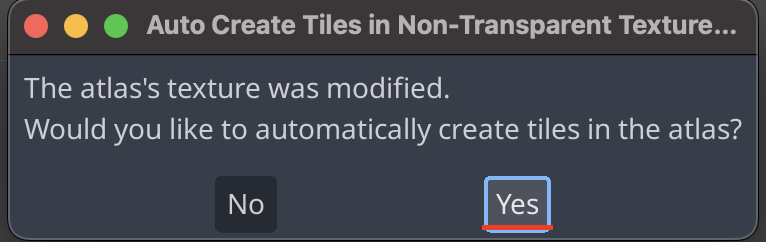
If a popup shows press yes.
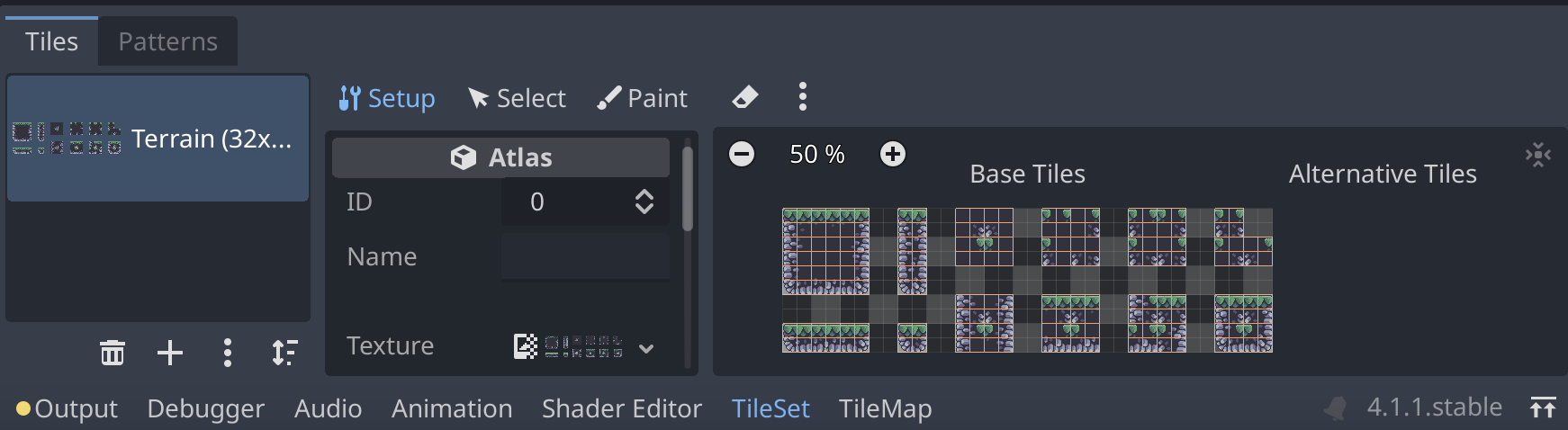
If done correctly the TileSet editor should look like this.
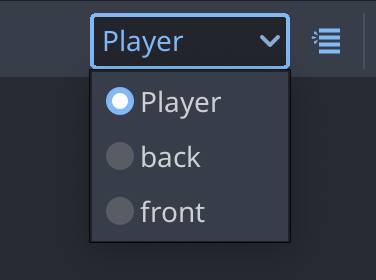
Now we go into the TileMap editor. Here we can select the tileset we just created. On the top right of the TileMap editor there is a dropdown where you can select the layer.
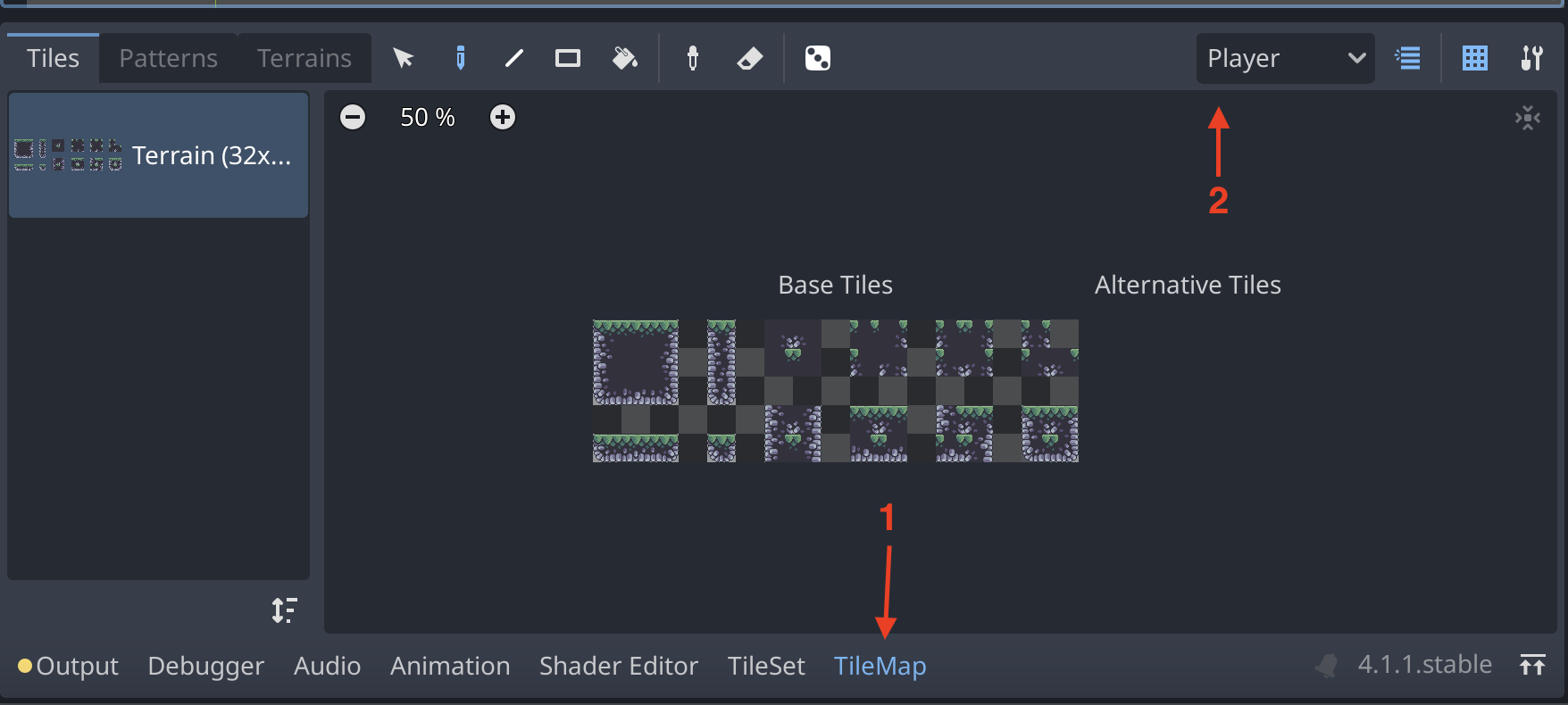
Select the Player layer to draw in the same layer of the player we create in another guid. If you select back or front you will draw in the background or front layer.
Now we can draw by selecting the pencil icon in the top left corner of the TileMap editor. Then we choose what to draw be selecting tiles in the TileSet editor.
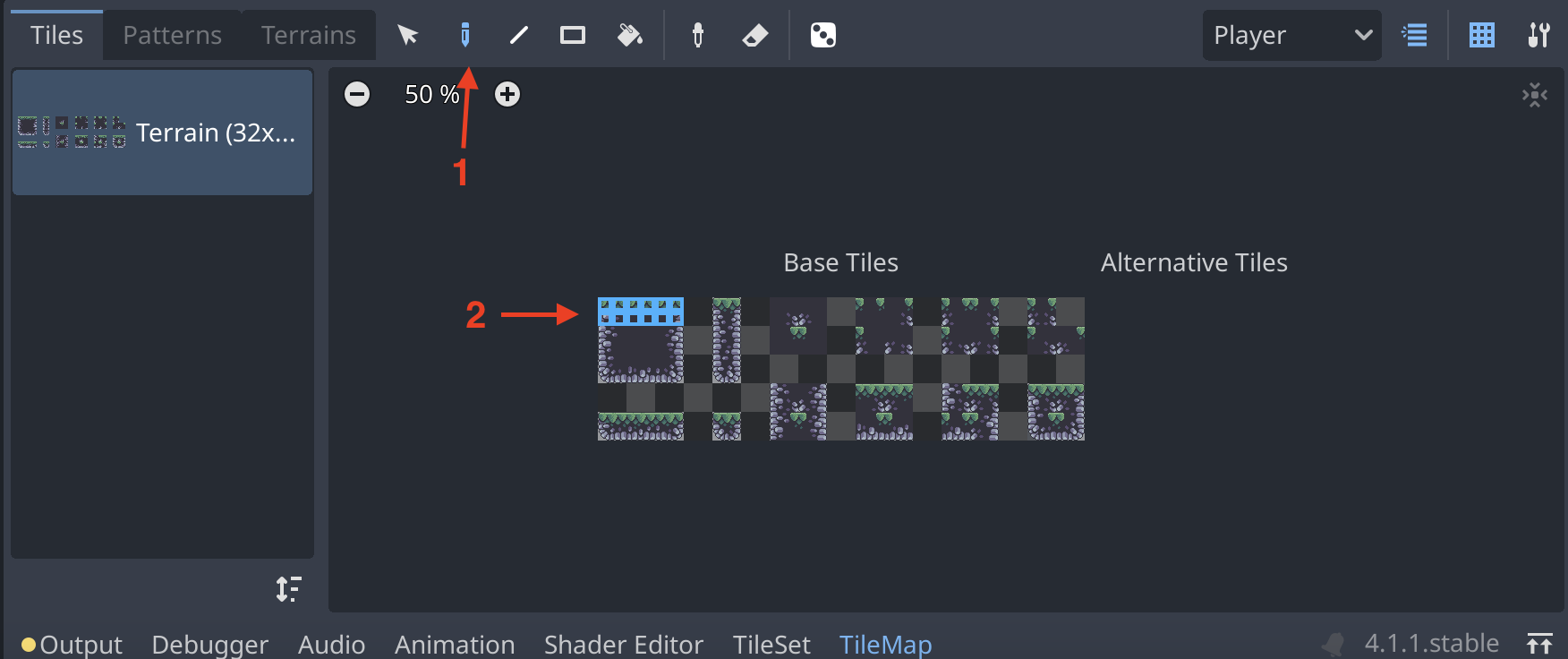
Then we can draw in the scene by clicking or dragging
in the scene.